Each guide takes you through one task from start to finish, with code you can copy and screenshots of every step. Start with your first screenshot if you are new. For every option and error code, see the API documentation.
RenderScreenshot Guides
Step-by-step guides for common screenshot tasks: first request, presets, share images, link previews, clean captures, caching and production.
Get started
Make your first request and pick the right settings.
-
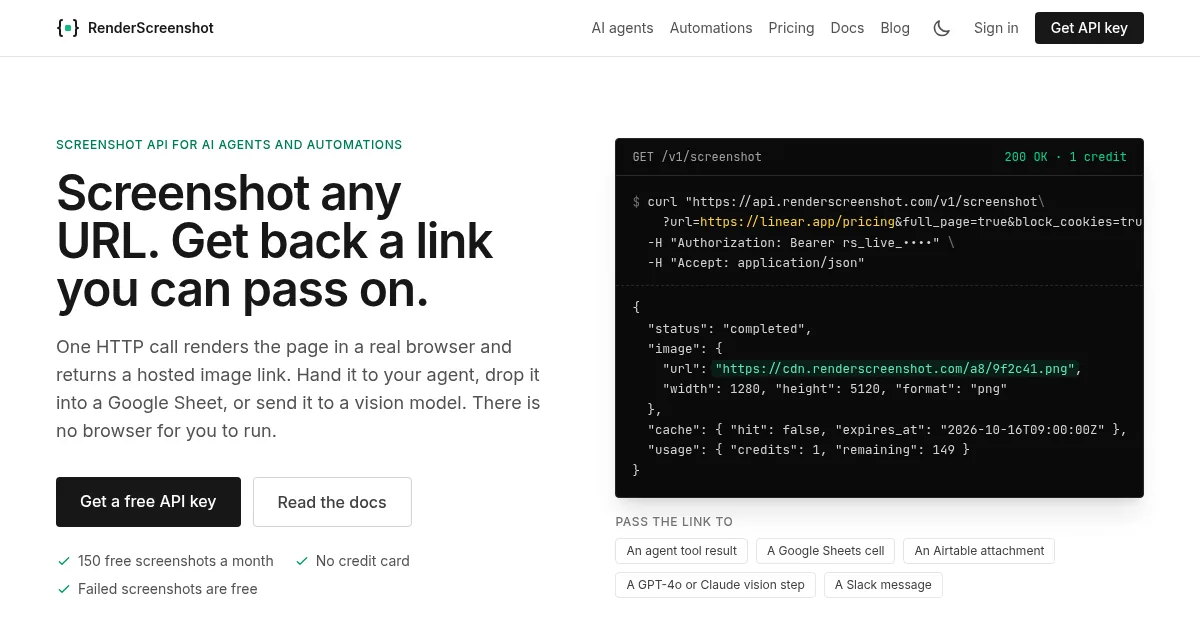 Take Your First Screenshot
Create an API key, send one request and get a 1200×630 screenshot back. Copy-paste code for curl, Node.js, Python, Ruby, PHP, Go and Java.
5 minutes
Free plan
Take Your First Screenshot
Create an API key, send one request and get a 1200×630 screenshot back. Copy-paste code for curl, Node.js, Python, Ruby, PHP, Go and Java.
5 minutes
Free plan
-
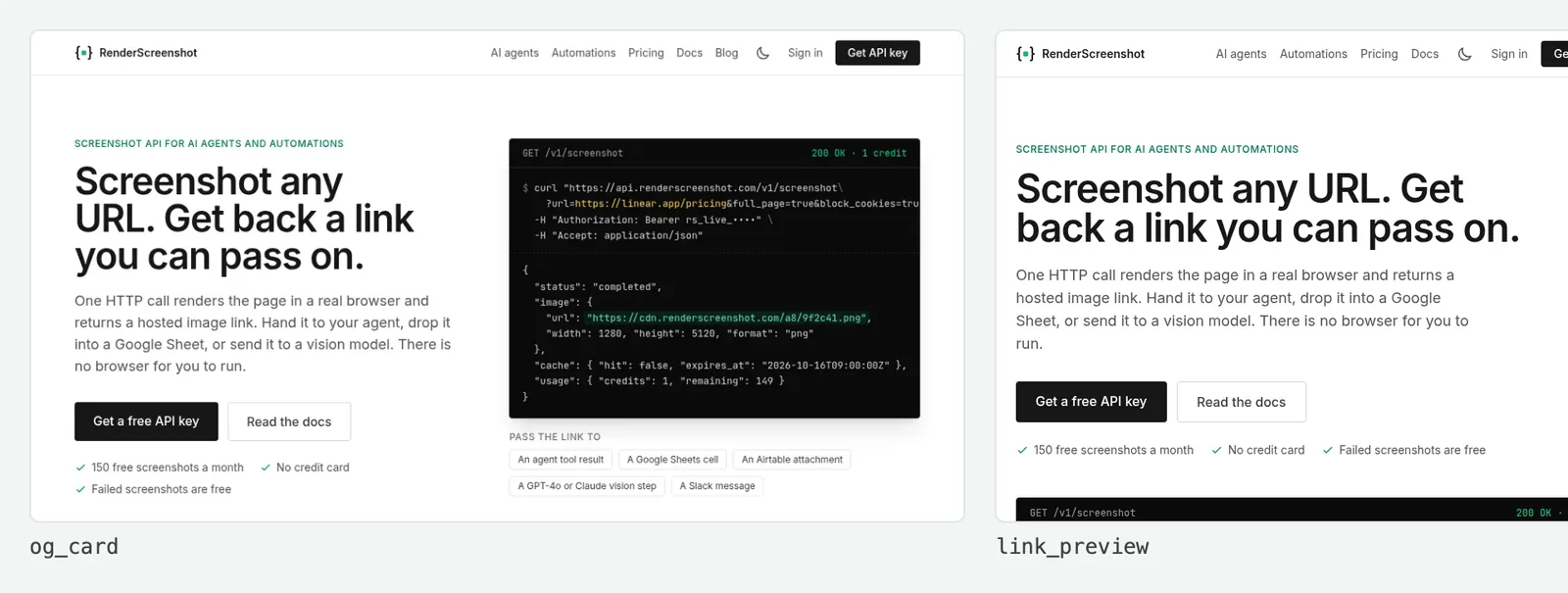 Choose the Right Preset
Pick the preset that fits the job: share images, X cards, link previews, phones, full pages or PDFs. See each result and change one setting.
5 minutes
Free plan
Choose the Right Preset
Pick the preset that fits the job: share images, X cards, link previews, phones, full pages or PDFs. See each result and change one setting.
5 minutes
Free plan
-
 Use an SDK or the CLI
Call RenderScreenshot from Node.js, Python, Ruby, PHP, Go or Java, or from the rs command line. Install, take a screenshot, handle errors.
10 minutes
Free plan
Use an SDK or the CLI
Call RenderScreenshot from Node.js, Python, Ruby, PHP, Go or Java, or from the rs command line. Install, take a screenshot, handle errors.
10 minutes
Free plan
Build features
Share images, link previews, scheduled captures and bulk jobs.
-
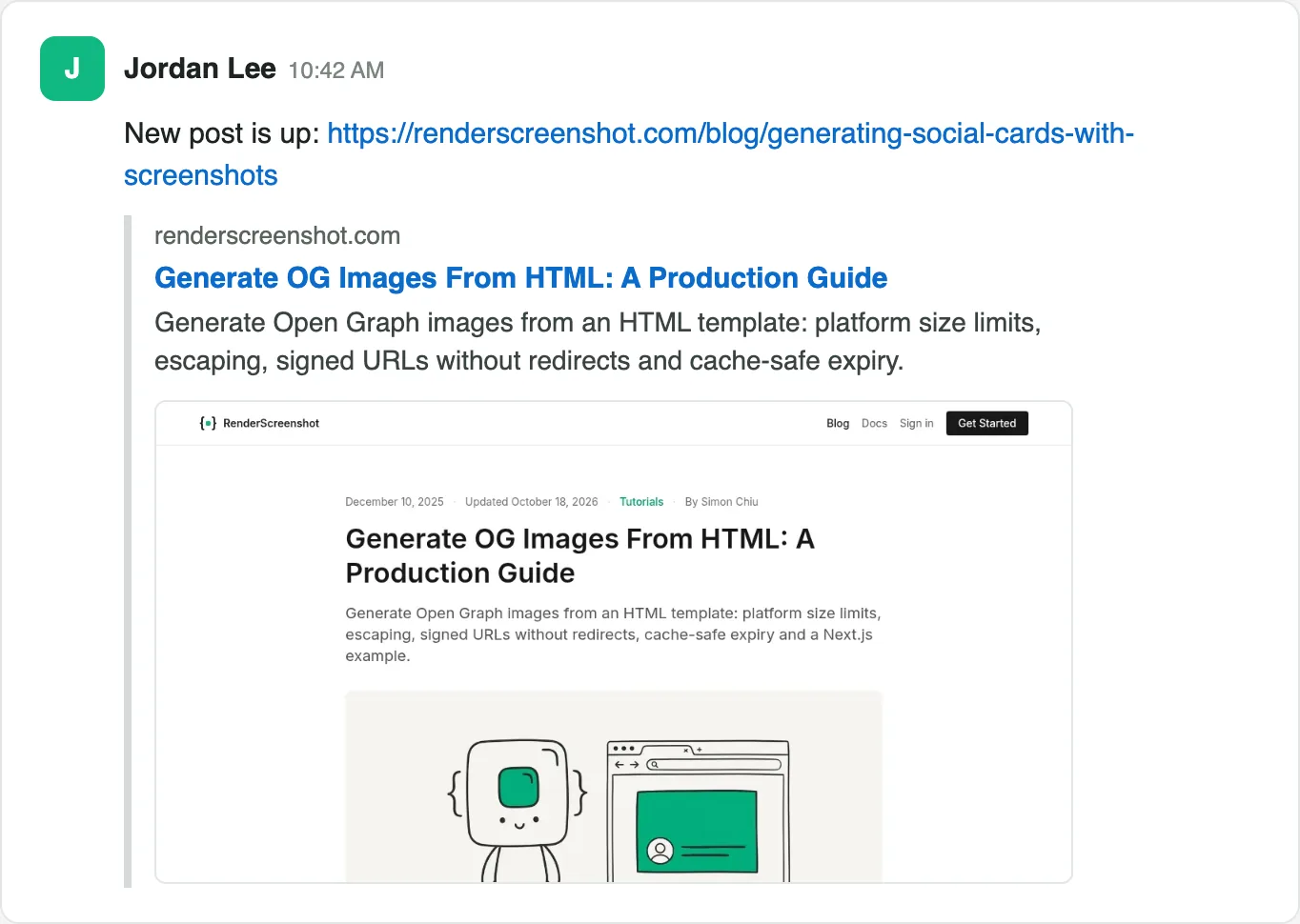 Add Social Share Images to Every Page
Give every page an og:image without an image pipeline: create a signing key pair, sign a screenshot URL in your template, add the meta tags.
20 minutes
Free plan
Add Social Share Images to Every Page
Give every page an og:image without an image pipeline: create a signing key pair, sign a screenshot URL in your template, add the meta tags.
20 minutes
Free plan
-
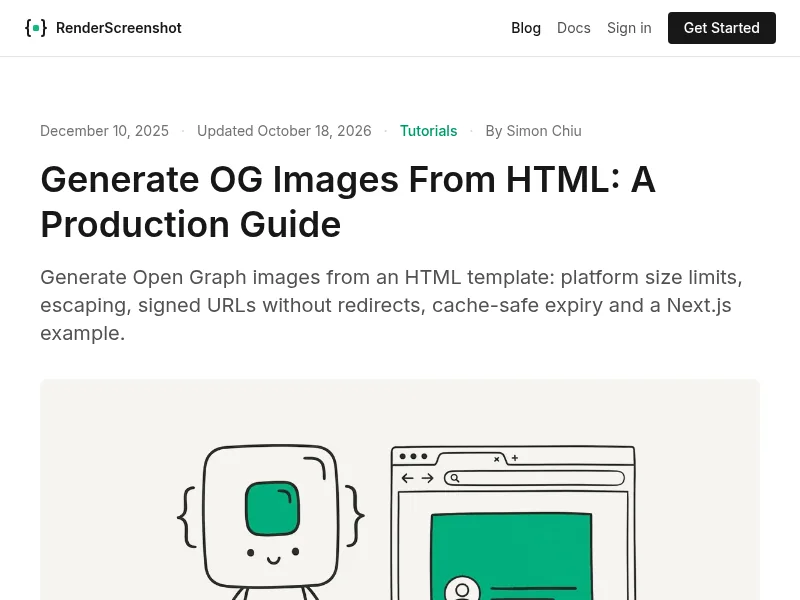 Show Link Previews in Your App
Turn a URL that a user pastes into a preview card with a thumbnail, title, description and icon. One request, JSON back, cached for repeat links.
20 minutes
Free plan
Show Link Previews in Your App
Turn a URL that a user pastes into a preview card with a thumbnail, title, description and icon. One request, JSON back, cached for repeat links.
20 minutes
Free plan
-
 Capture Pages on a Schedule
Keep a dated visual record of your pages or a competitor's: full-page captures every day from cron or GitHub Actions, with a credit budget.
20 minutes
Free plan
Capture Pages on a Schedule
Keep a dated visual record of your pages or a competitor's: full-page captures every day from cron or GitHub Actions, with a credit budget.
20 minutes
Free plan
-
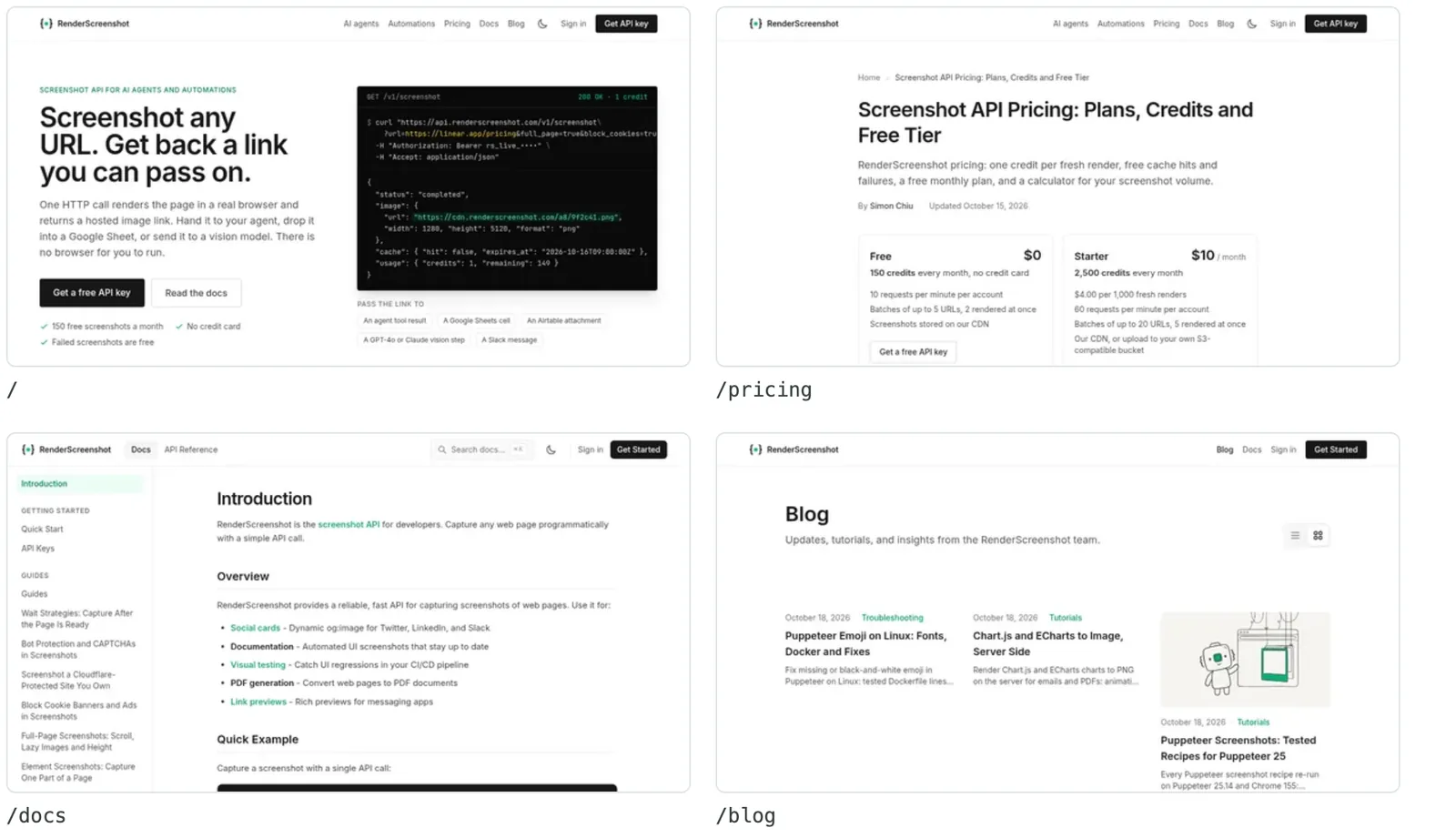 Capture Many Pages at Once
Send a list of URLs in one batch request, get every image back, and use a webhook for big lists. Failed items cost nothing.
15 minutes
Free plan
Capture Many Pages at Once
Send a list of URLs in one batch request, get every image back, and use a webhook for big lists. Failed items cost nothing.
15 minutes
Free plan
Get the right capture
Clean, complete screenshots of pages that fight back.
-
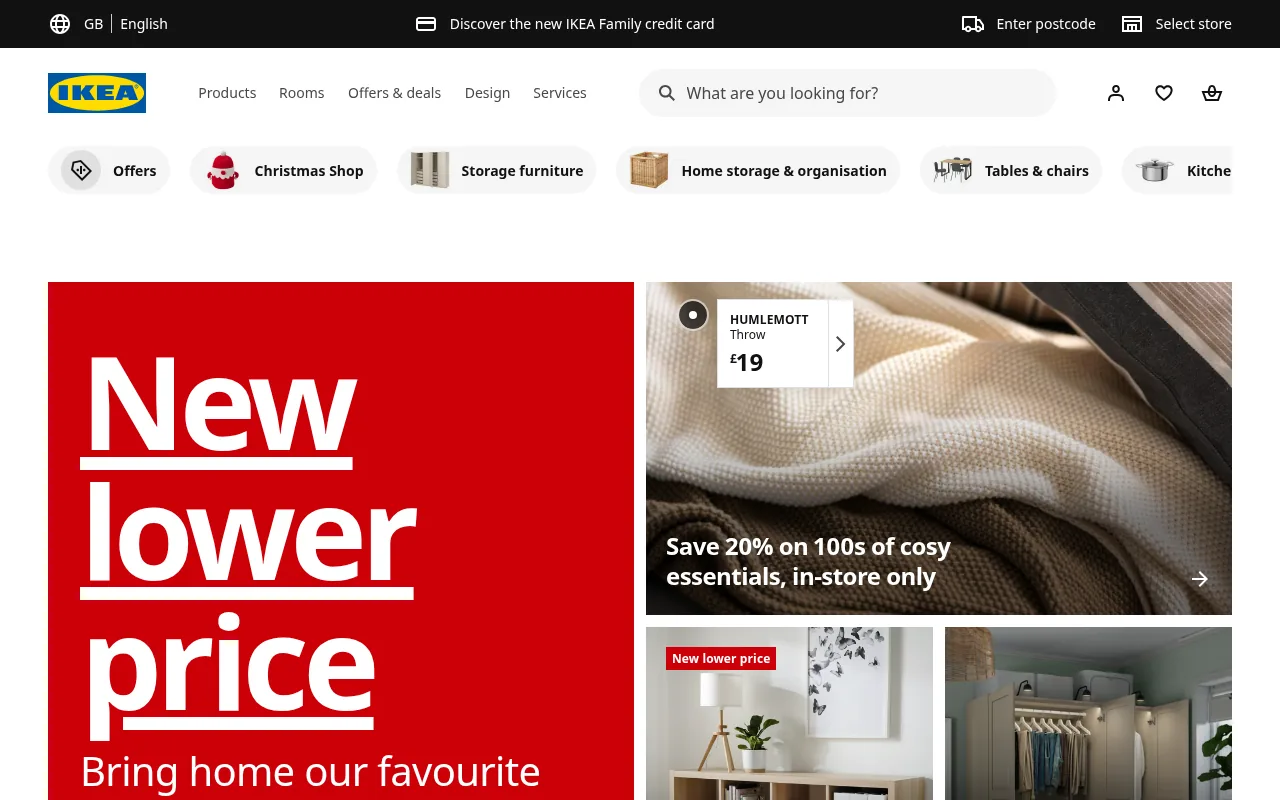 Remove Cookie Banners and Ads
Get clean screenshots: switch on the blocking options, then click, remove or block what is left. Real before and after renders of IKEA and Spiegel.
10 minutes
Free plan
Remove Cookie Banners and Ads
Get clean screenshots: switch on the blocking options, then click, remove or block what is left. Real before and after renders of IKEA and Spiegel.
10 minutes
Free plan
-
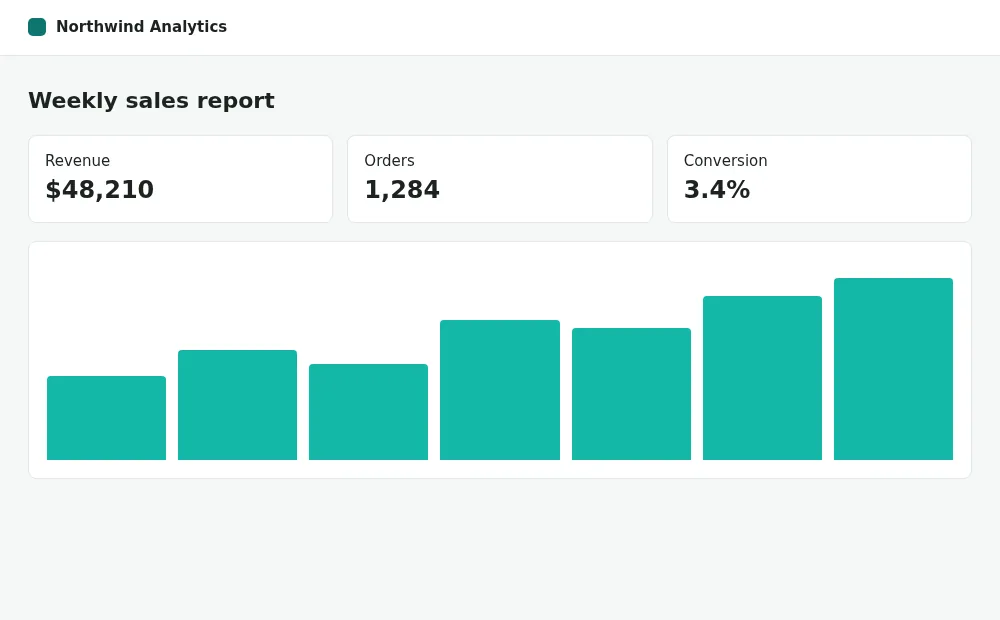 Fix Blank or Incomplete Screenshots
A spinner instead of data, grey boxes instead of images, or a timeout: find the cause in your logs and fix it with the right wait or scroll option.
15 minutes
Free plan
Fix Blank or Incomplete Screenshots
A spinner instead of data, grey boxes instead of images, or a timeout: find the cause in your logs and fix it with the right wait or scroll option.
15 minutes
Free plan
-
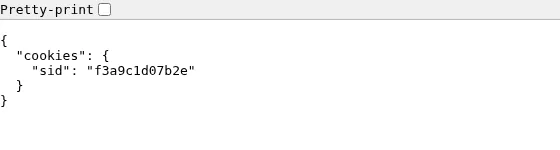 Capture Pages Behind a Login
Screenshot dashboards, admin pages and staging sites: send a session cookie, basic auth or a bearer token, and make a login page fail instead of render.
20 minutes
Free plan
Capture Pages Behind a Login
Screenshot dashboards, admin pages and staging sites: send a session cookie, basic auth or a bearer token, and make a login page fail instead of render.
20 minutes
Free plan
-
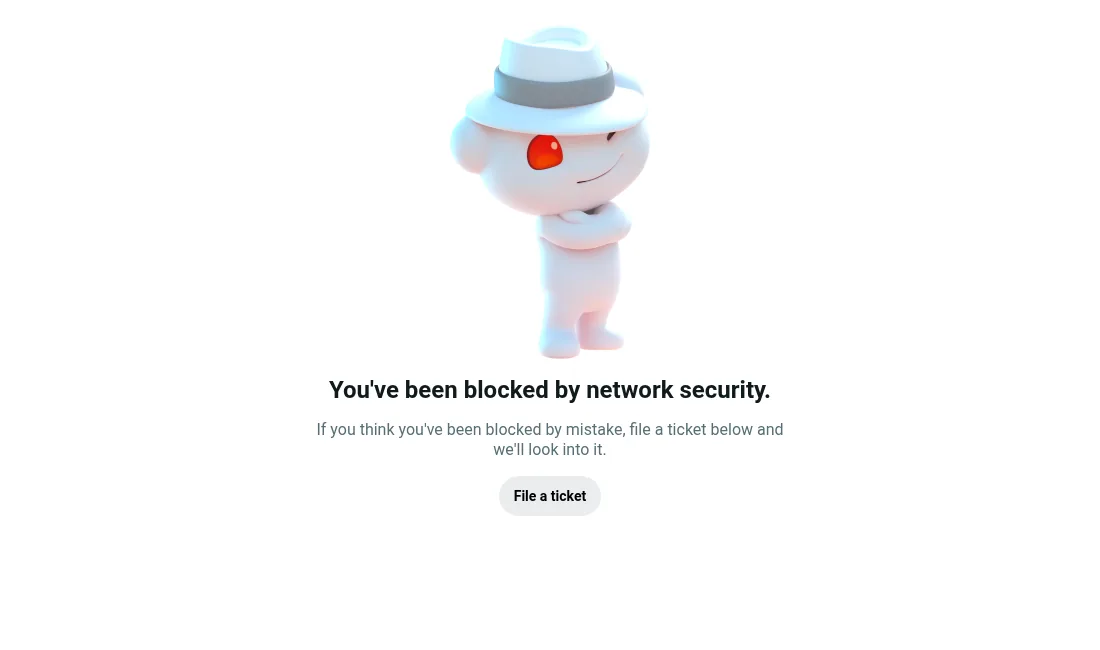 Capture Sites with Bot Protection
When a site shows Access denied or a challenge instead of content: stop paying for those images, then let the renderer through on sites you own.
15 minutes
Free plan
Capture Sites with Bot Protection
When a site shows Access denied or a challenge instead of content: stop paying for those images, then let the renderer through on sites you own.
15 minutes
Free plan
Run in production
Save credits, handle errors, store files and plan capacity.
-
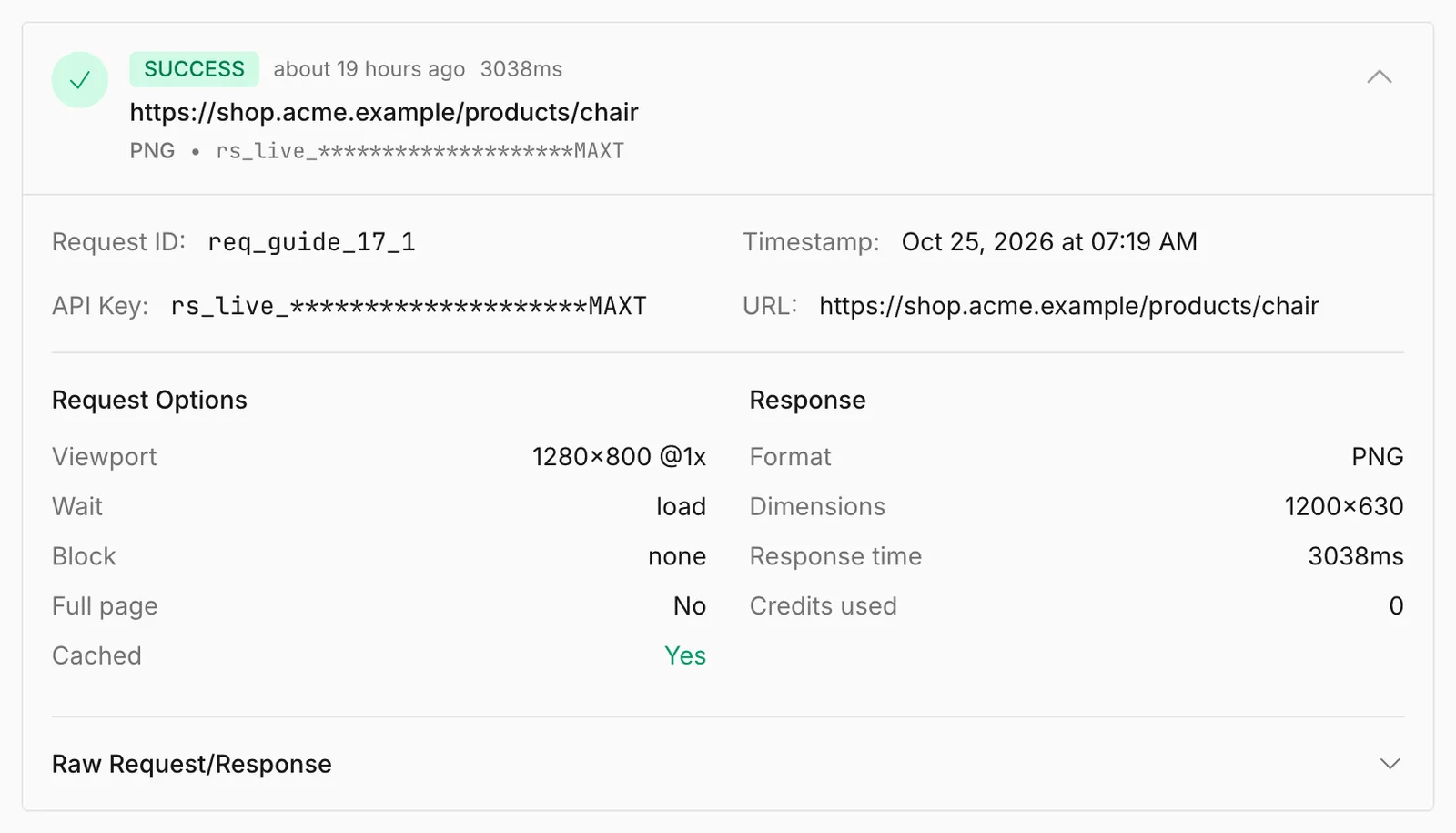 Reuse Screenshots for 0 Credits
Stop paying twice for the same image: turn on cache.available, embed the free X-Cache-URL link, pick a TTL, and purge when the page changes.
10 minutes
Free plan
Reuse Screenshots for 0 Credits
Stop paying twice for the same image: turn on cache.available, embed the free X-Cache-URL link, pick a TTL, and purge when the page changes.
10 minutes
Free plan
-
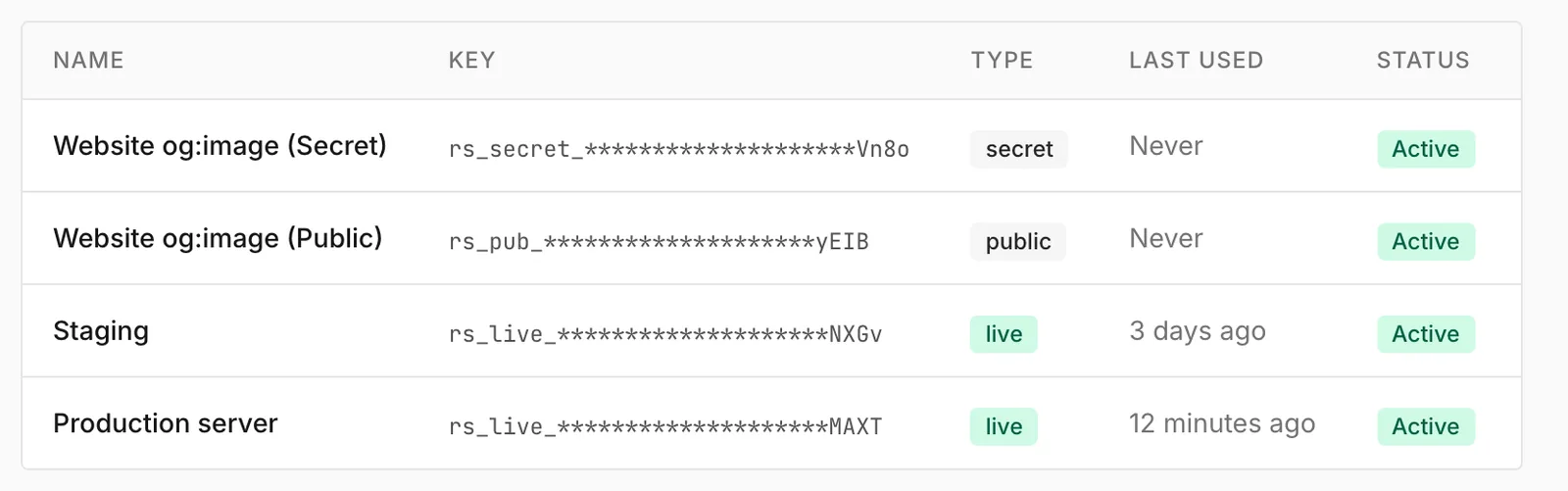 Prepare Your Integration for Production
A checklist before launch: one key per environment, timeouts, retries that respect Retry-After, rate limits, a credit alert and request IDs in your logs.
30 minutes
Free plan
Prepare Your Integration for Production
A checklist before launch: one key per environment, timeouts, retries that respect Retry-After, rate limits, a credit alert and request IDs in your logs.
30 minutes
Free plan
-
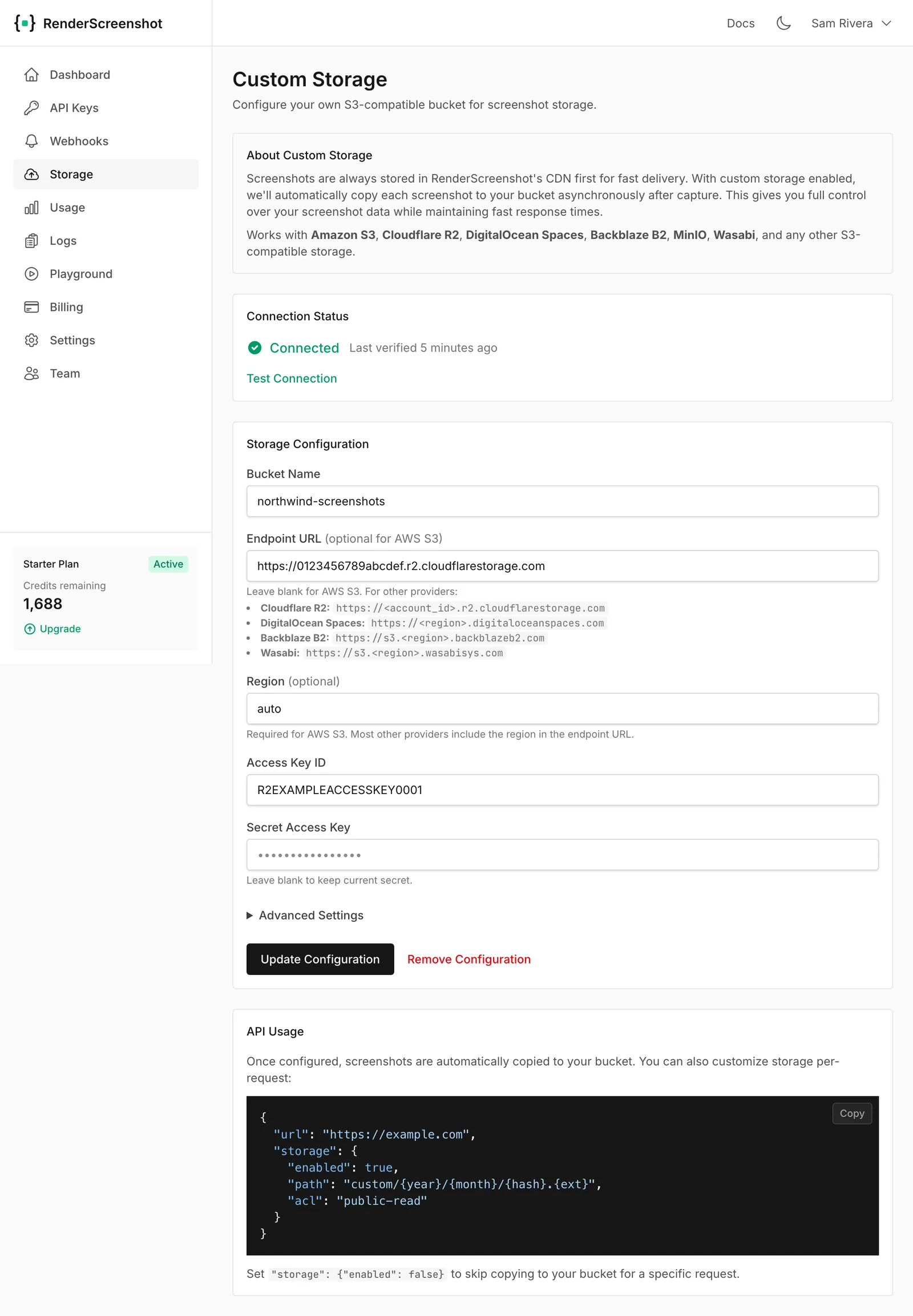 Save Screenshots to Your Own Bucket
Have every screenshot copied to your S3, R2, Spaces, B2, Wasabi or MinIO bucket, with your own path layout and access control. Paid plans.
15 minutes
Starter or higher plan
Save Screenshots to Your Own Bucket
Have every screenshot copied to your S3, R2, Spaces, B2, Wasabi or MinIO bucket, with your own path layout and access control. Paid plans.
15 minutes
Starter or higher plan
-
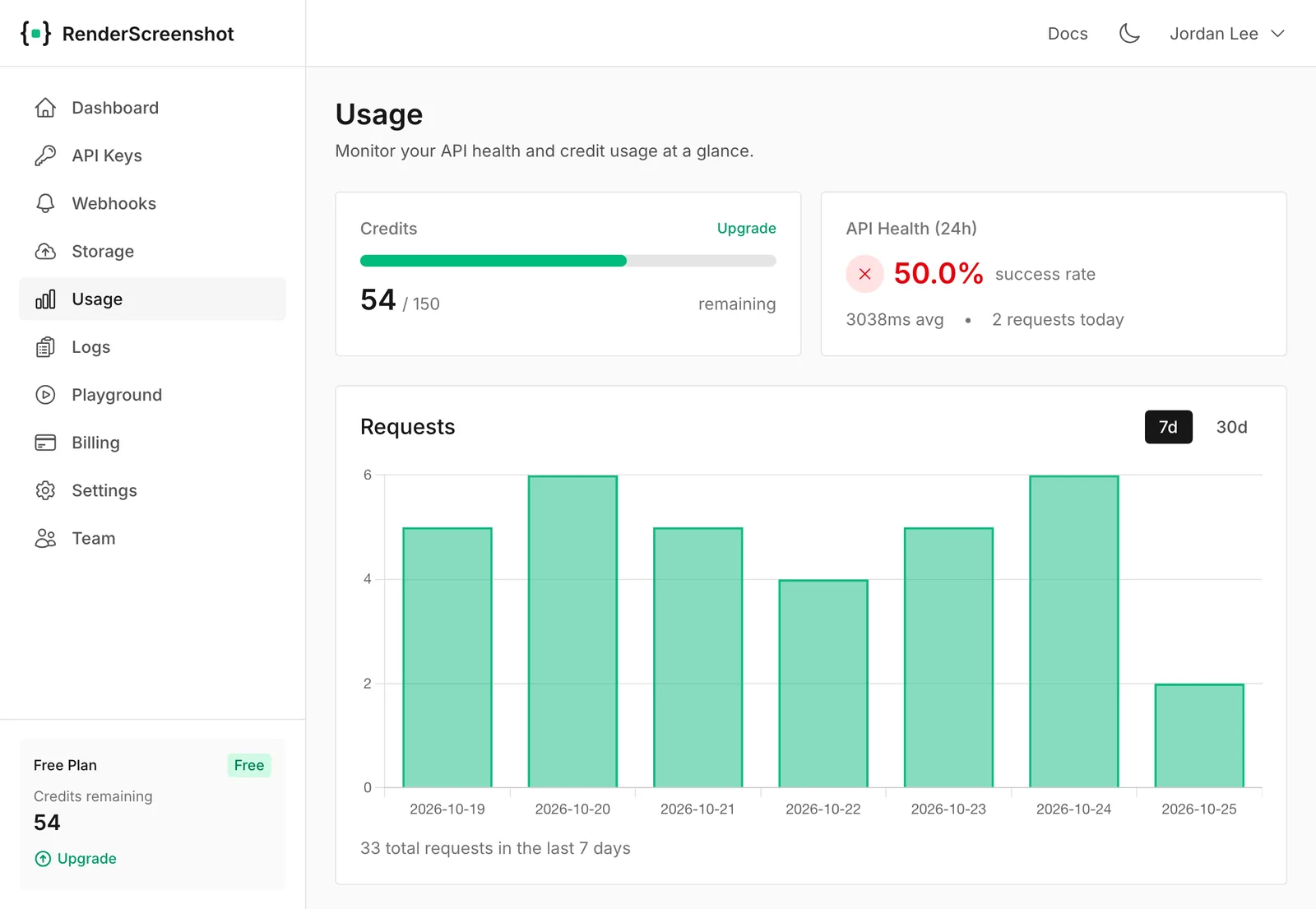 Watch Your Credits and Change Plans
See how many credits you have left, what happens at zero, how to estimate what you need, and how to upgrade or downgrade with no lost requests.
5 minutes
Free plan
Watch Your Credits and Change Plans
See how many credits you have left, what happens at zero, how to estimate what you need, and how to upgrade or downgrade with no lost requests.
5 minutes
Free plan
Try RenderScreenshot free
150 free credits every month, no credit card required.